
Android
Airtag
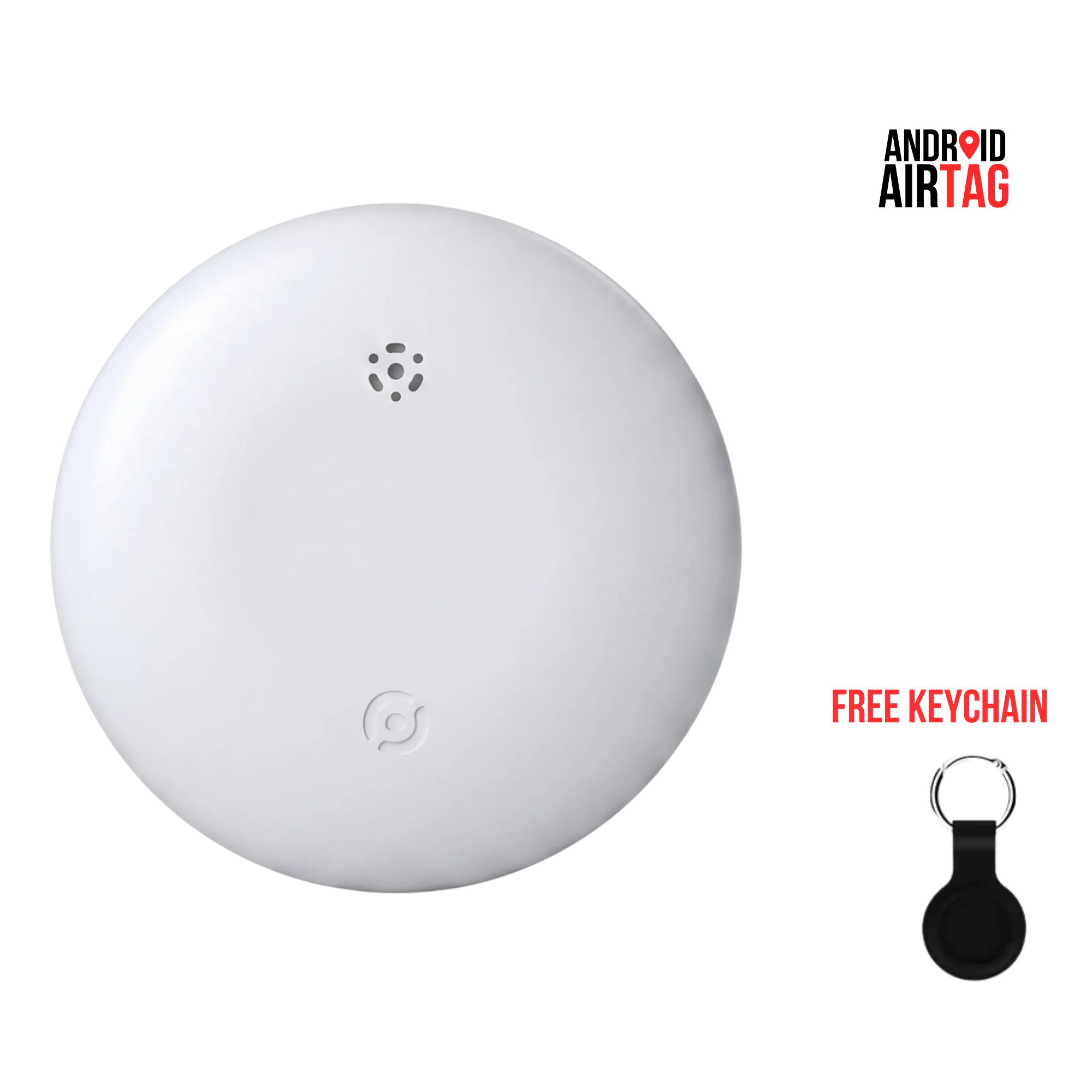
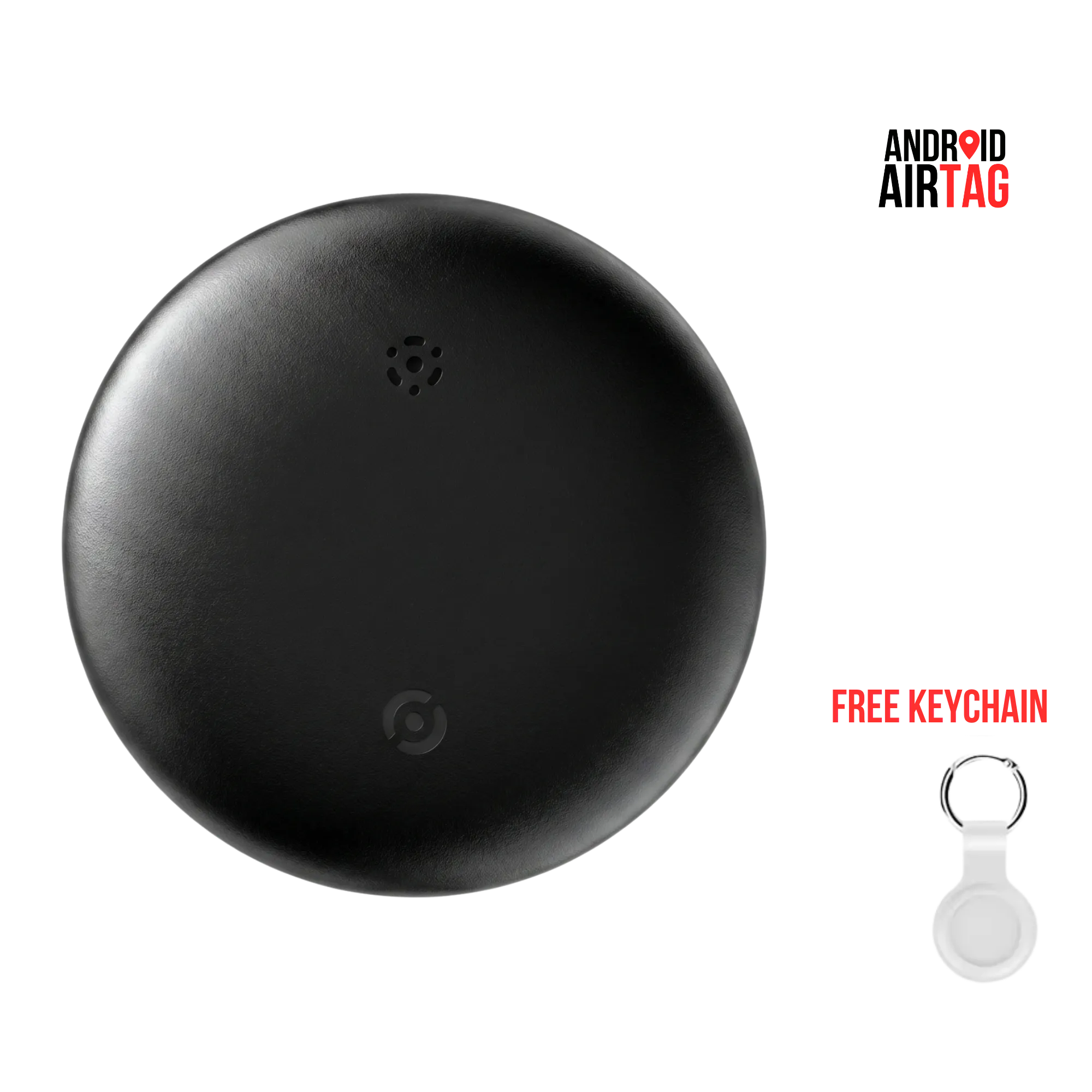
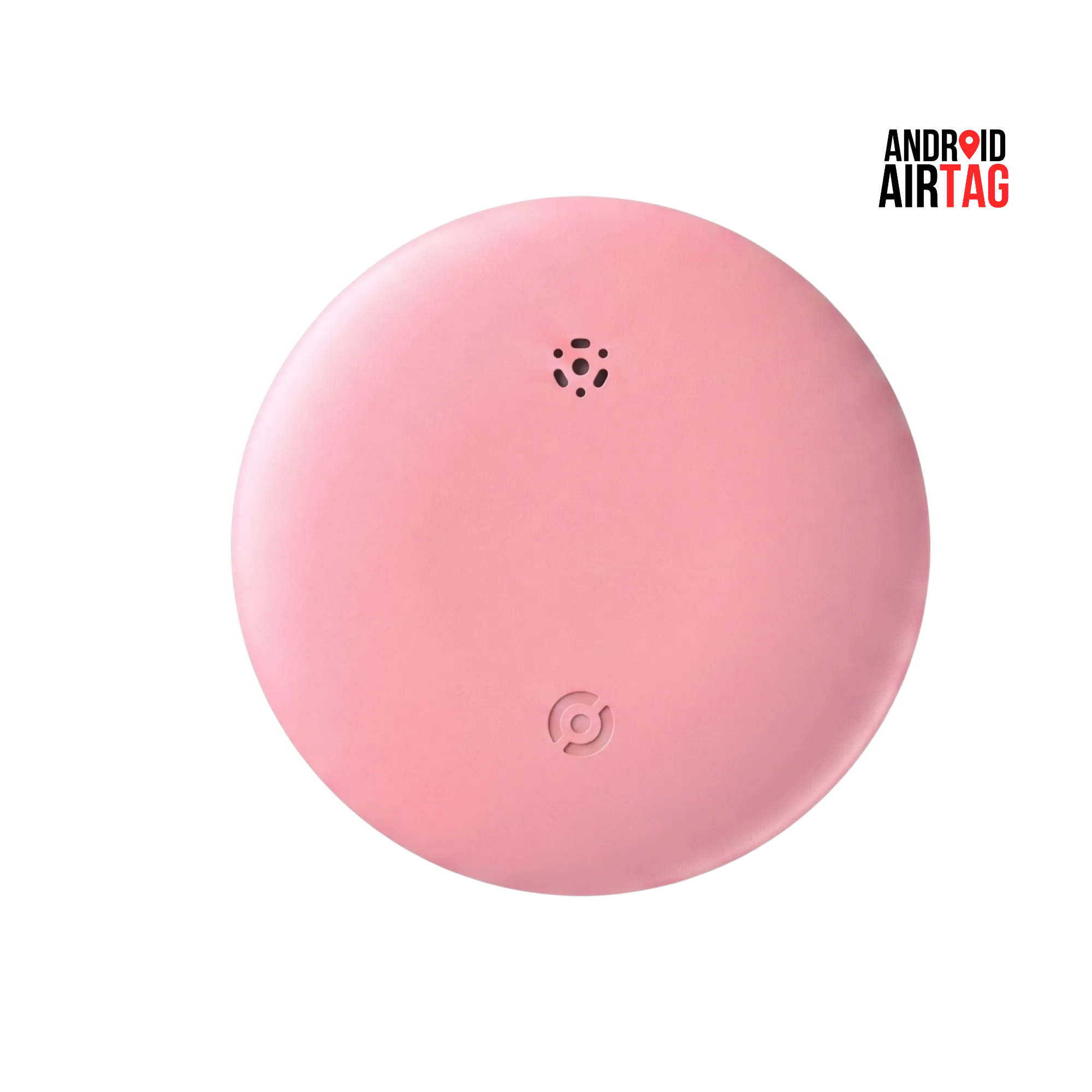
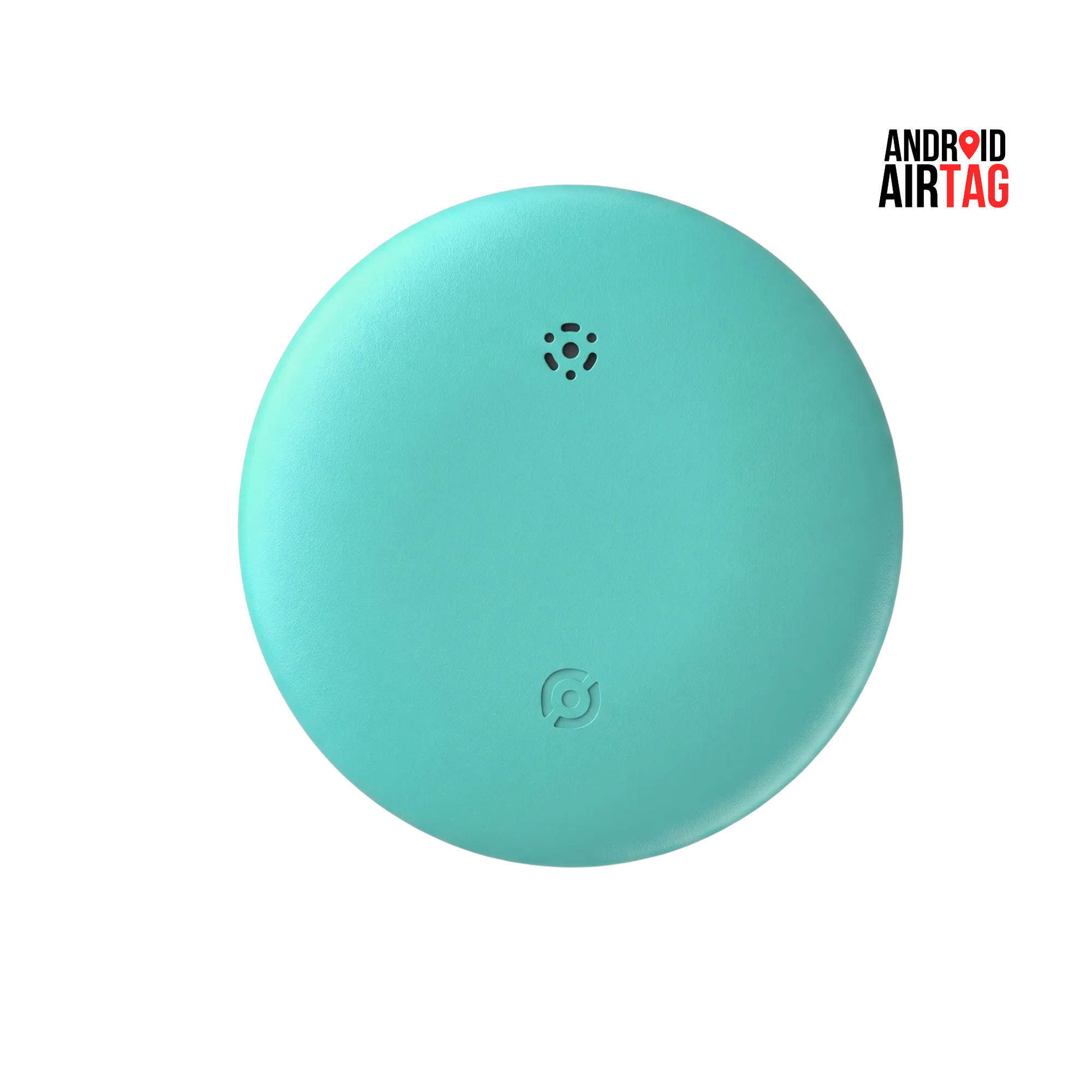
Android Airtag is the ultimate tracking solution built natively for Android but works with iOS and other operating systems. Attach your keys, wallet, bag and know exactly where it is, always.
There’s a specific kind of panic that hits when you can’t find your keys before leaving the house. Or when your luggage doesn’t show up on the carousel. Or when you set your bag down somewhere and genuinely can’t remember where. It’s not a big moment. It’s just an awful few minutes that happens more than it should.
Android Airtag was built for exactly that moment.
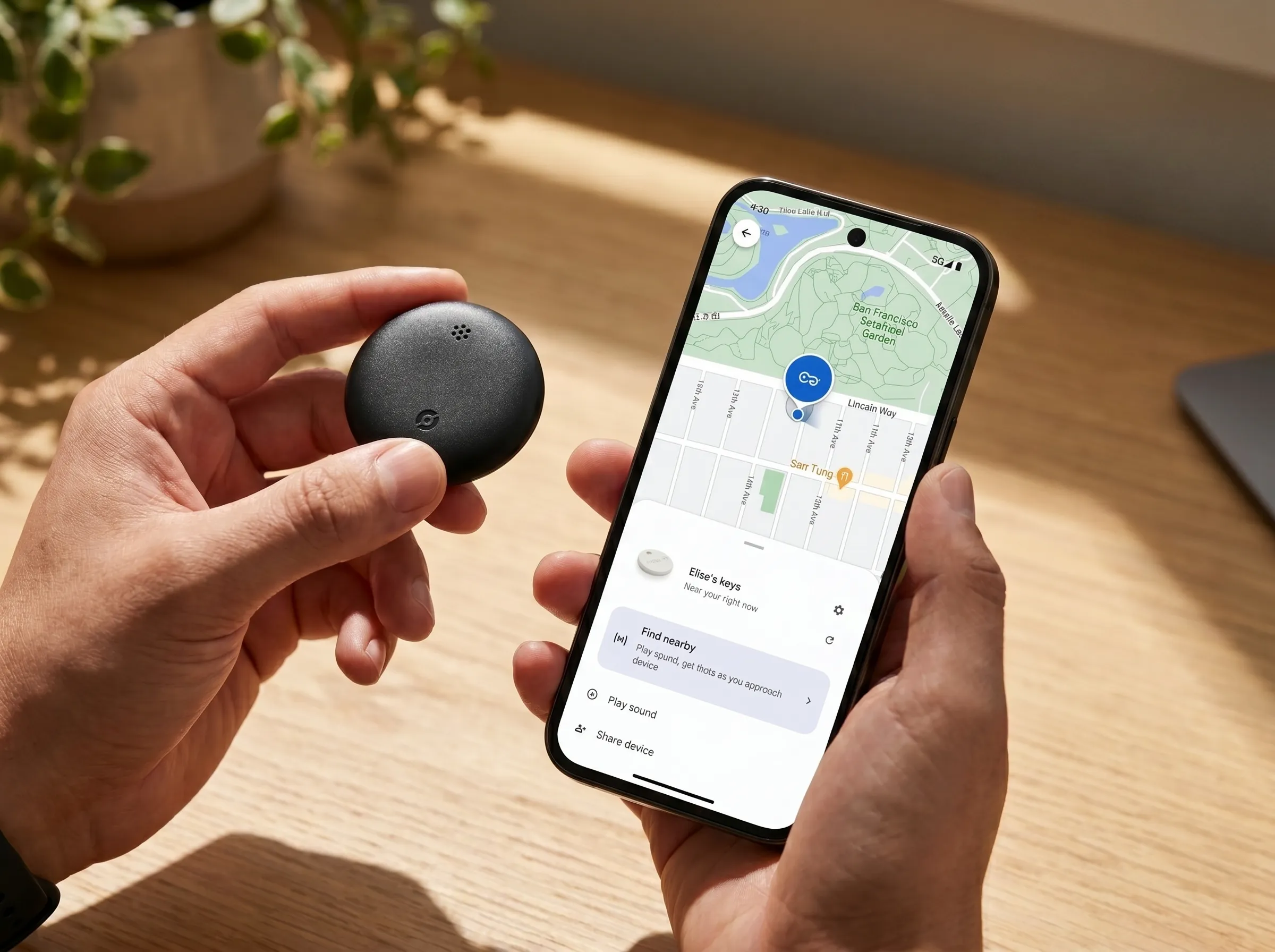
Slip it onto your keys, tuck it into your bag, attach it to your luggage, and forget about it. It weighs 11 grams. You won’t notice it’s there. But the second you need it, it’s ready. Open the app, see exactly where your item is on a map, and if it’s close enough, just ring it. Loud enough to find it under a pile of clothes, at 75 decibels, you’ll hear it.
What makes this different from every other tracker you’ve seen is the range. This isn’t Bluetooth-only, which means you’re not limited to 10 or 30 metres. Android Airtag connects to a global GPS network, so it doesn’t matter if your bag is in the next room or on the other side of the city. The location updates in real time, not every few hours, and not just a vague approximation either.
It also doesn’t care what phone you use. Most trackers are built for one ecosystem and awkward everywhere else. This one works natively on Android and iOS, and also on macOS and Windows. So if your partner has an iPhone and you’re on Android, or you want to check from your laptop, it just works. No workarounds, no limited functionality, no asking someone else to check for you.
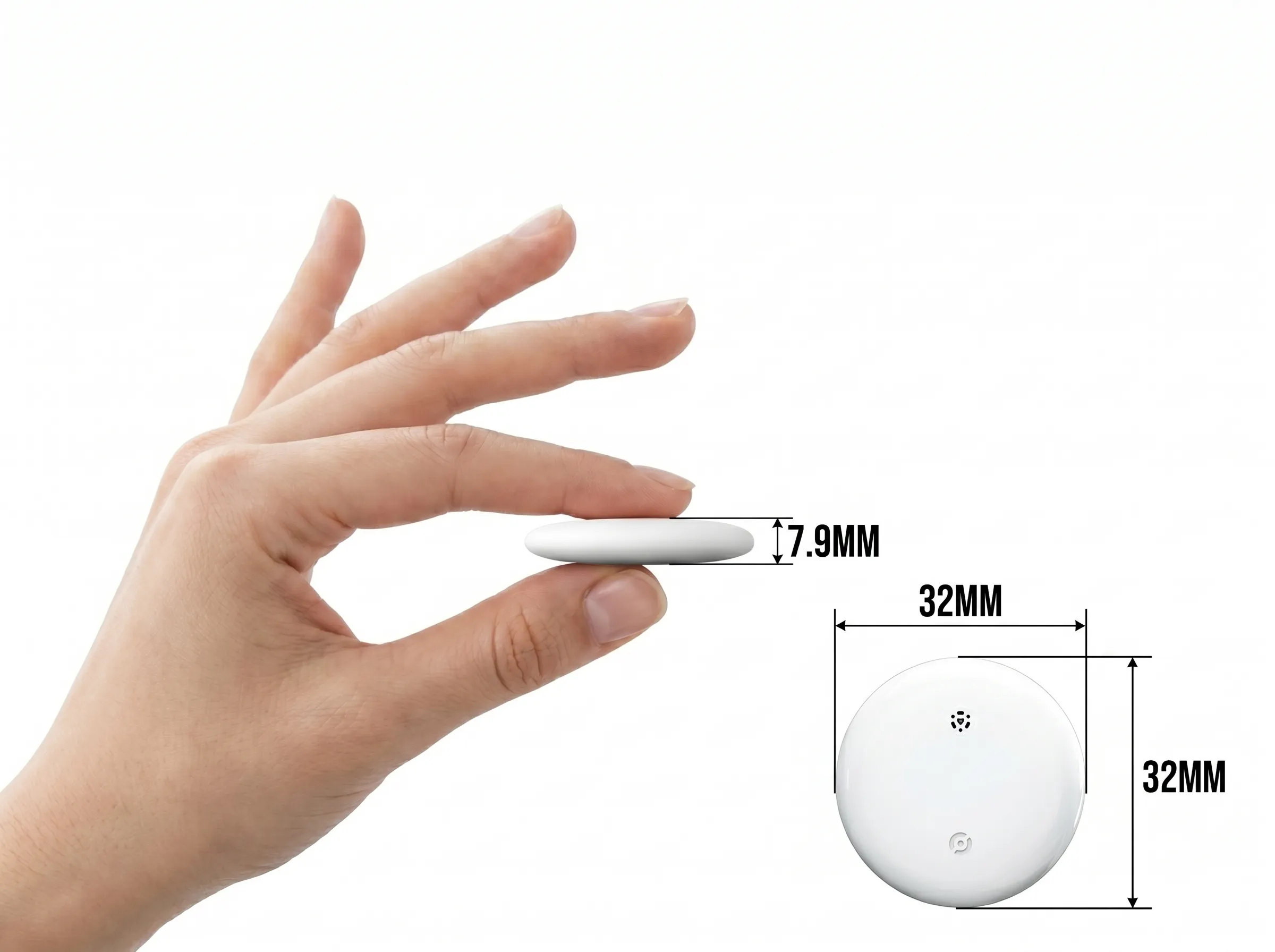
You can set a geofence around anything you want to stay put. The moment that item moves beyond the boundary you’ve set, you get a notification. It’s the kind of feature that sounds simple but genuinely changes how relaxed you feel leaving things behind at a hotel, parking your bike outside, or sending your kid to school with a tagged bag.
The battery lasts up to a year and runs on a standard CR2032, the kind of battery you can pick up anywhere in the world. Swap it in seconds. No specialist tools, no sending the device back, no buying a replacement unit. And when it gets caught in the rain, dropped in a puddle, or buried at the bottom of a bag with a leaky water bottle, the IP67 rating means it’s completely fine.
There’s no subscription. You buy it once and it works, for as long as you need it to.
BEAST!!
Android Airtag is surely a game changer for those with multiple notorious pets!!


Find, Secure, and Track with Android Airtag
Protect Your Possessions Wherever You Are
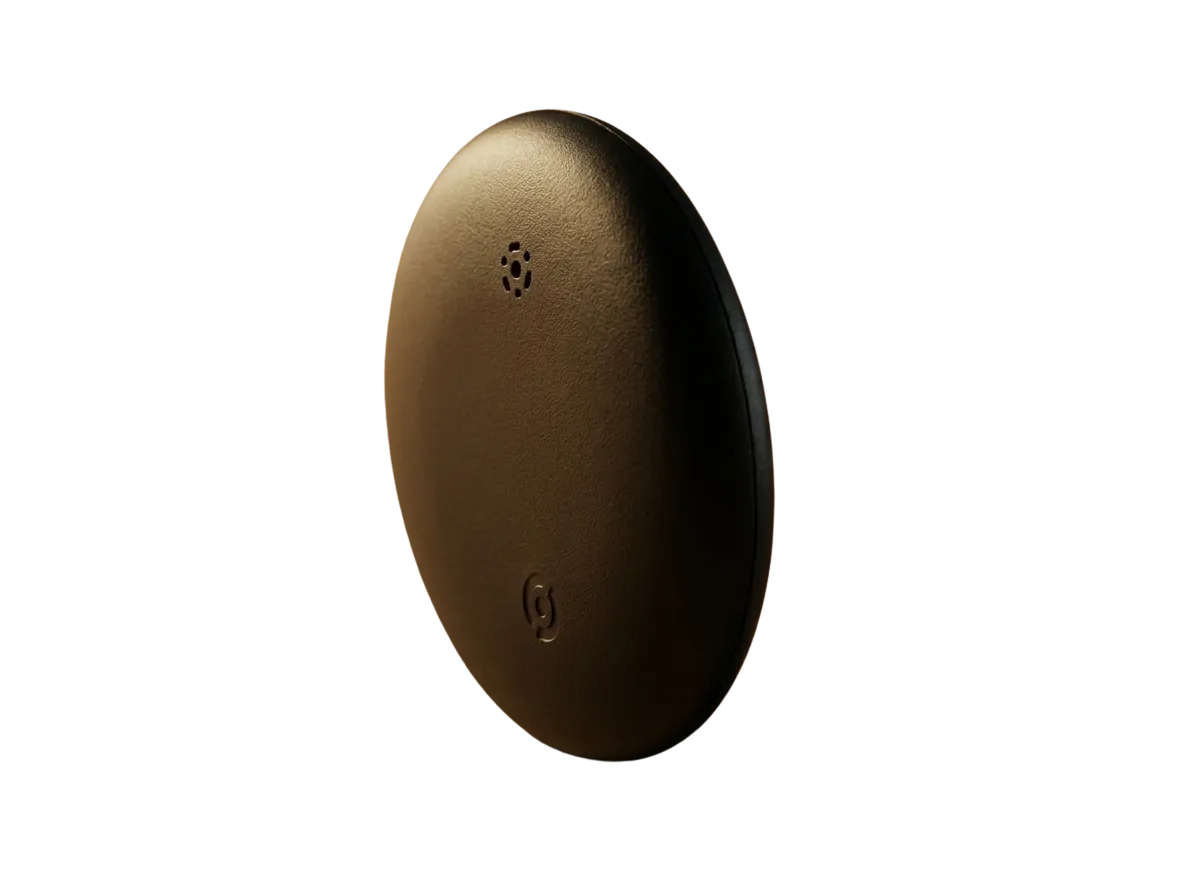
Why Android Airtag Is the Ultimate
All-Tracking-Device Killer
Android Airtag is the finest Android tracker in the market, and there are reasons to support it.
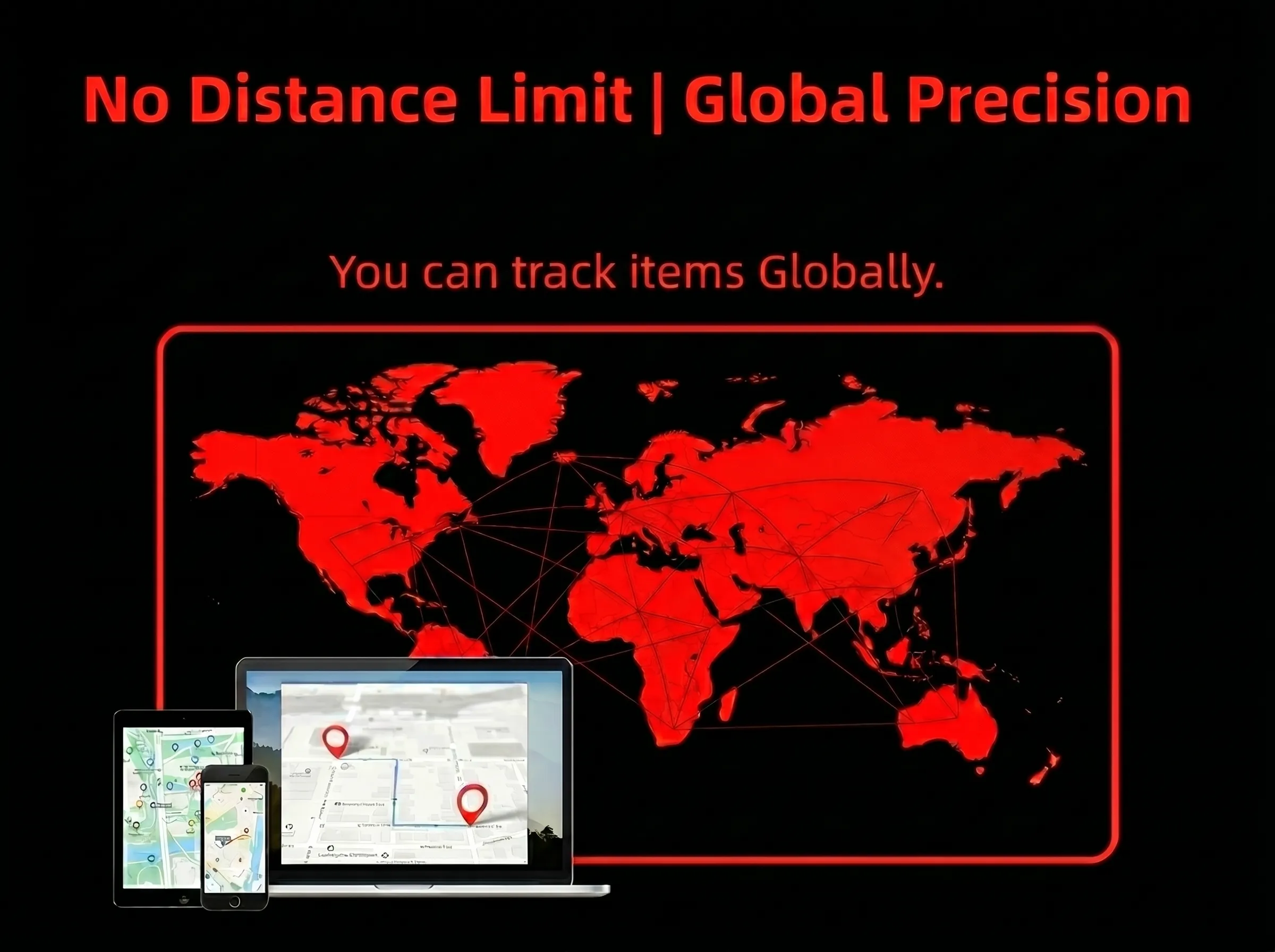
No Distance Limits
There are Bluetooth-based tracking devices that offer a limited range, but there are no limits to tracking with Android Airtag. Whether it is 100m or 10,000 kms, our tracker has got you covered.
Not Bound by Operating Systems
Our tag works not only with Android or iOS but also macOS & Windows. This is possible because the software that supports the device can be run on any device, irrespective of its operating system.
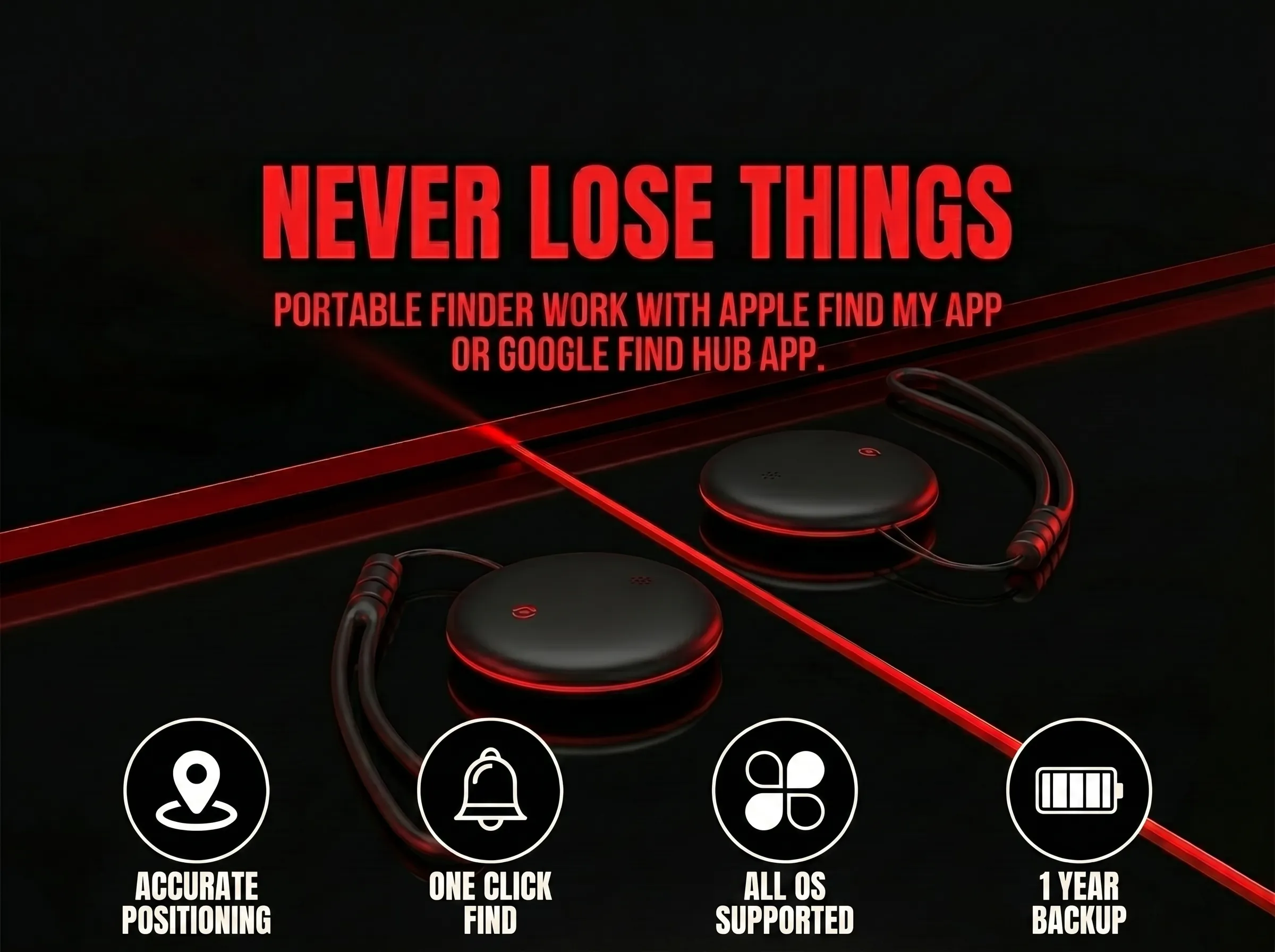
Real-Time GPS Locator
Comes with a GPS locator so precise that it not only has no limits in tracking distance but also delivers accuracy to the finest degree.
Geofencing Alerts
If the device is left beyond a designated distance, you'll immediately get a push alert on your phone. Never leave your bag or keys behind again.
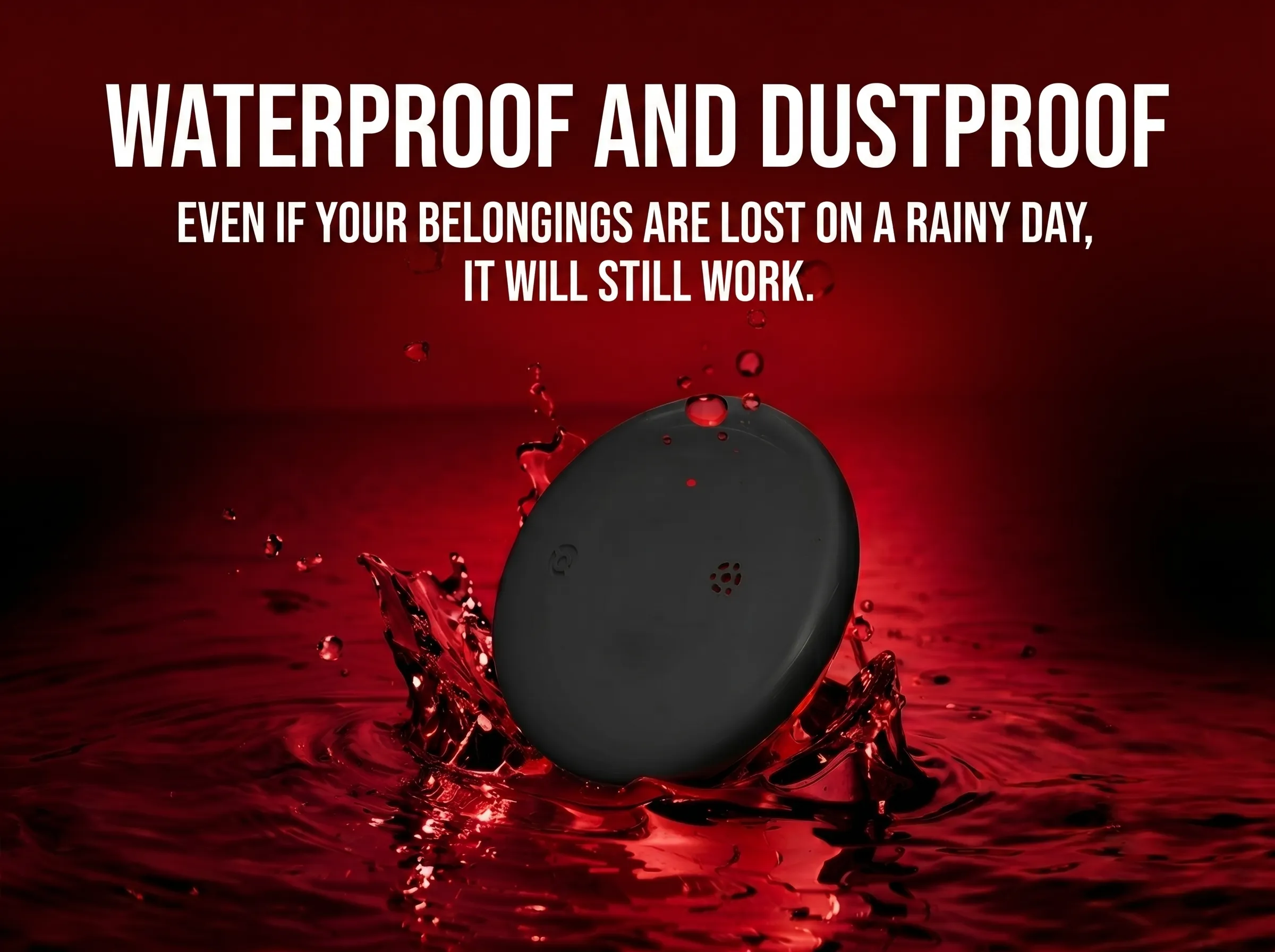
Water Resistant (IP67)
It comes with a water-resistant design and an IP67 rating, meaning complete protection against dust and accidental submersion in water.
Replaceable Battery
Our tracker is powered by a standard CR2032 button battery that is easily available anywhere in the world and can be replaced every 6–12 months, depending on usage.
How to Pair & Use Our Smart Airtag?
Super easy to pair with both Android & iOS. Here's what to do:
First, complete these steps:
-
1Turn on Bluetooth & Wi-Fi on your smartphone.
-
2Press and hold the tracker button to turn on the device.
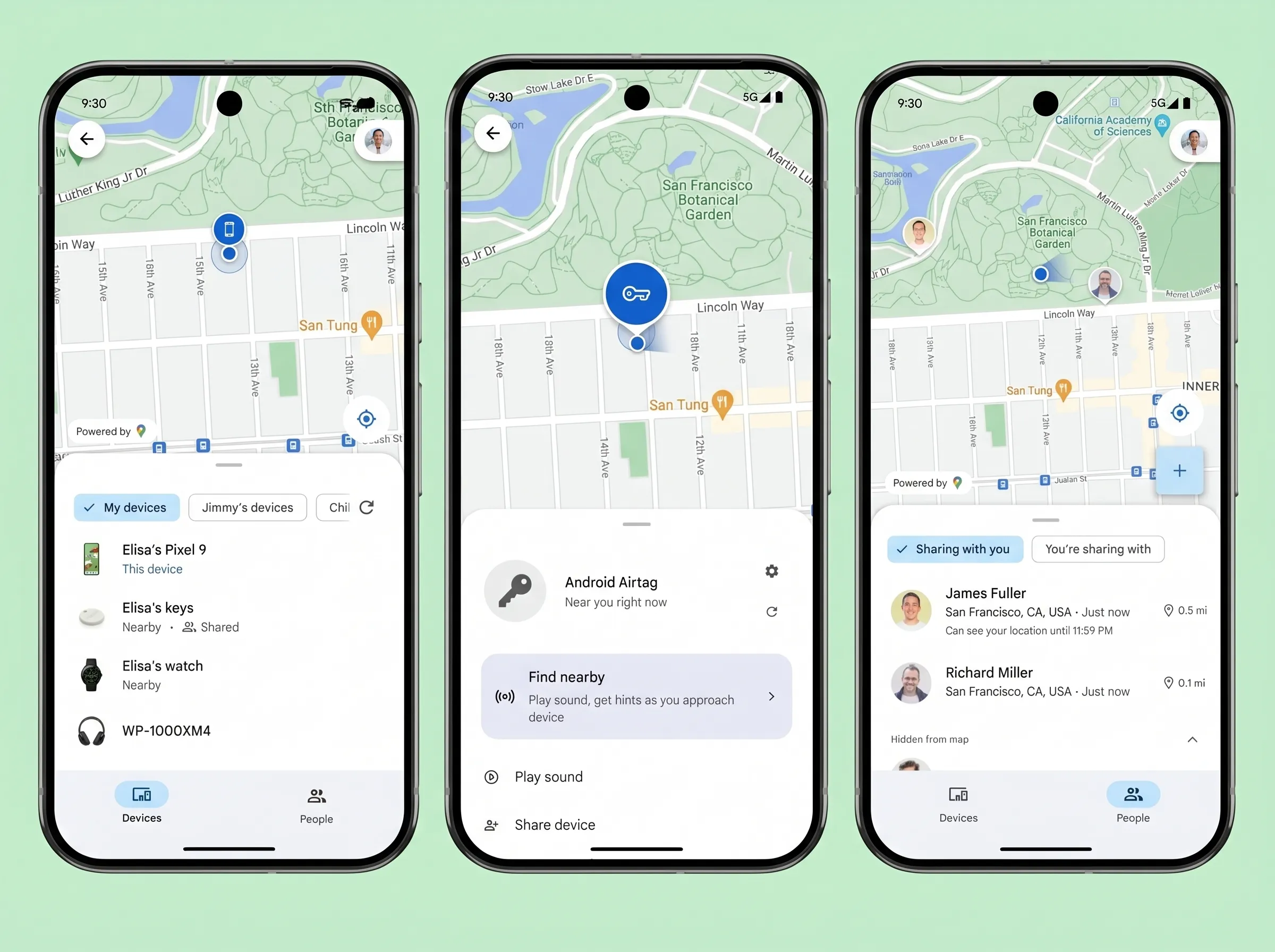
For Android
- 1Download & install Google's Find Hub.
- 2Turn on Scan for Nearby Devices.
- 3You'll get a popup on your screen, tap Connect.
- 4You can then edit the device name and set rules for it.
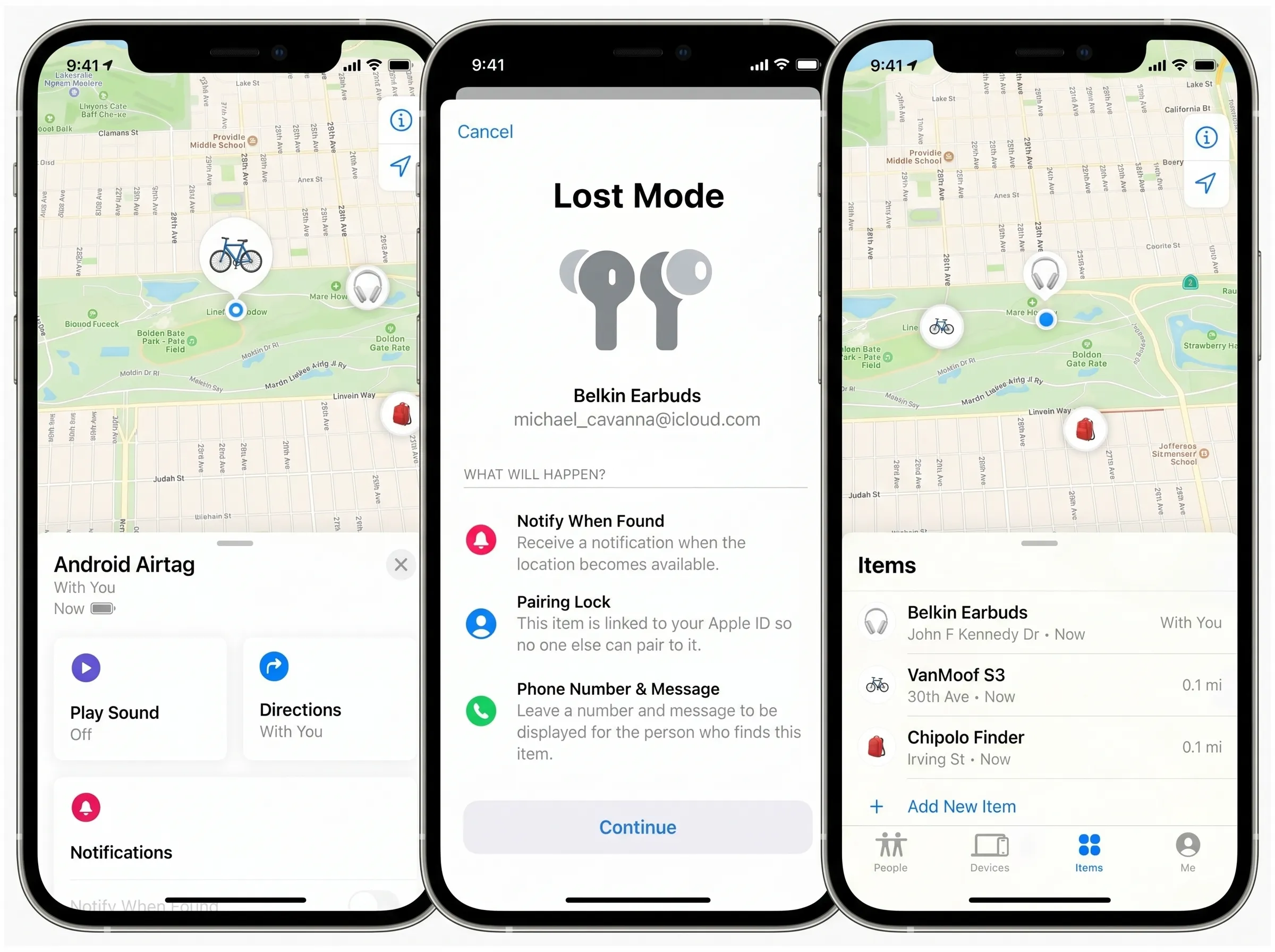
For iOS
- 1Open the Apple Find My app.
- 2Tap Add Item.
- 3Select Android Airtag & set a name.
- 4And you're good to go!
Frequently Asked Questions
Everything you need to know about Android Airtag.
Android Airtag
The ultimate tracking solution built natively for Android but works with iOS and other operating systems.